






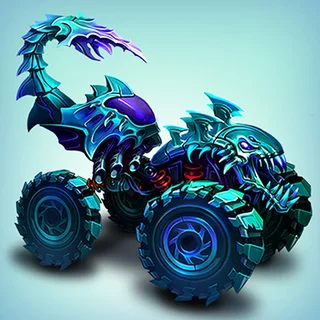
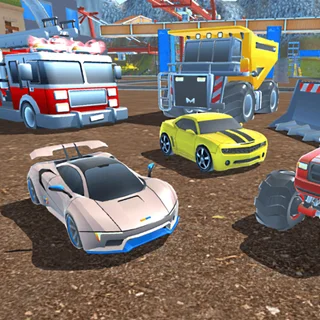


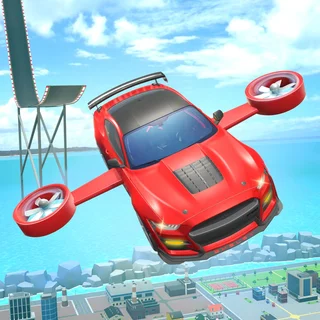


This is Drive Mad 2 unblocked: the full game loads straight from drivemad2.org in your browser, so you can play Drive Mad 2 online free on a school Chromebook, a laptop or a phone with no download and no sign-up.
What is Drive Mad 2?
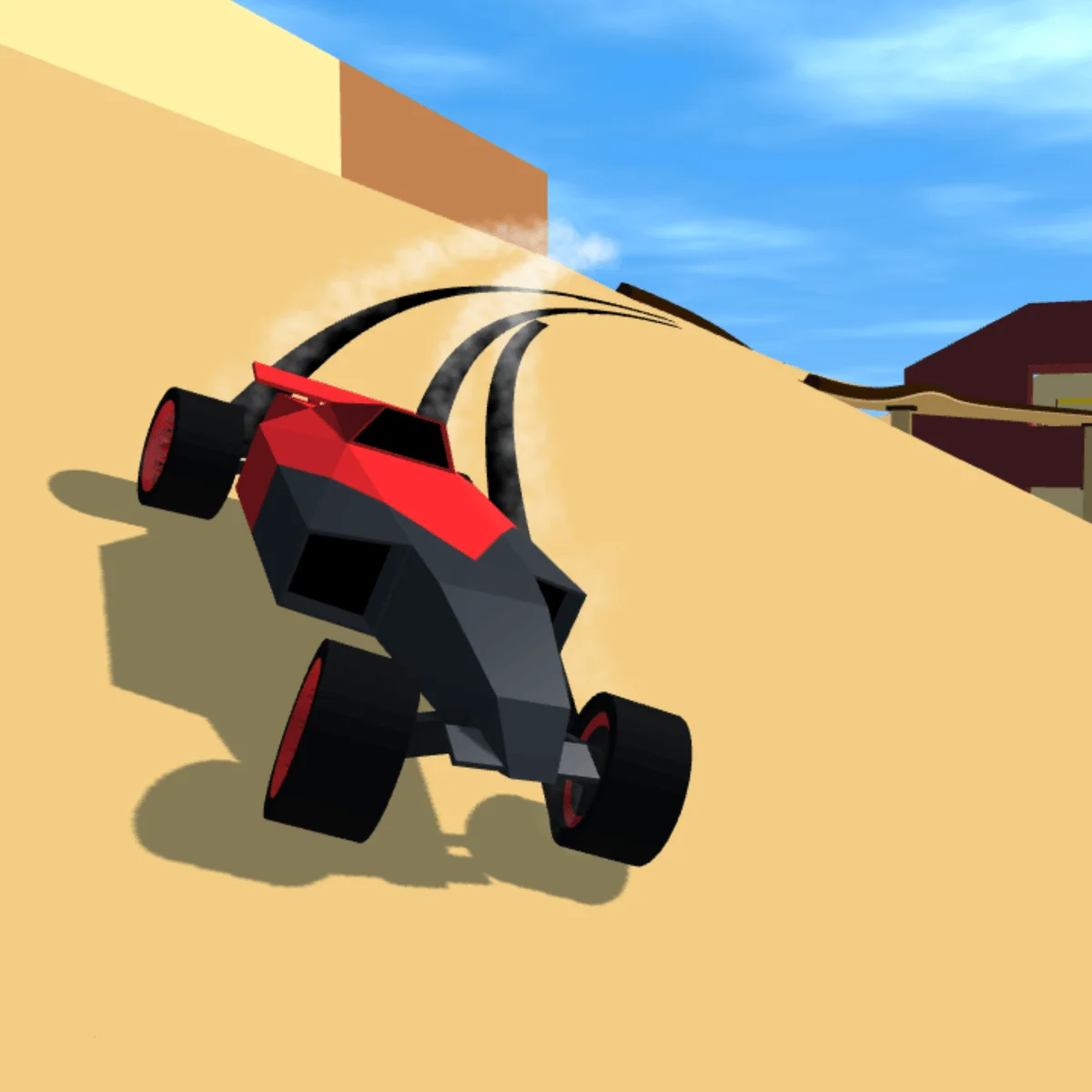
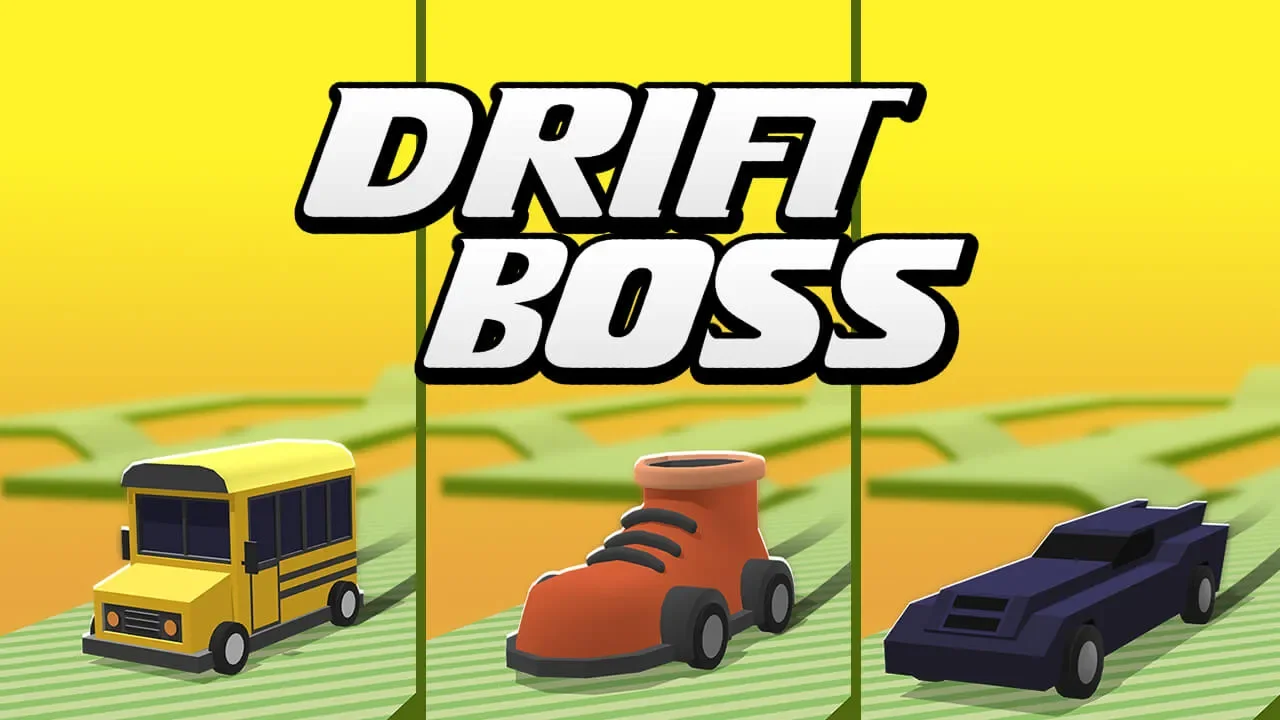
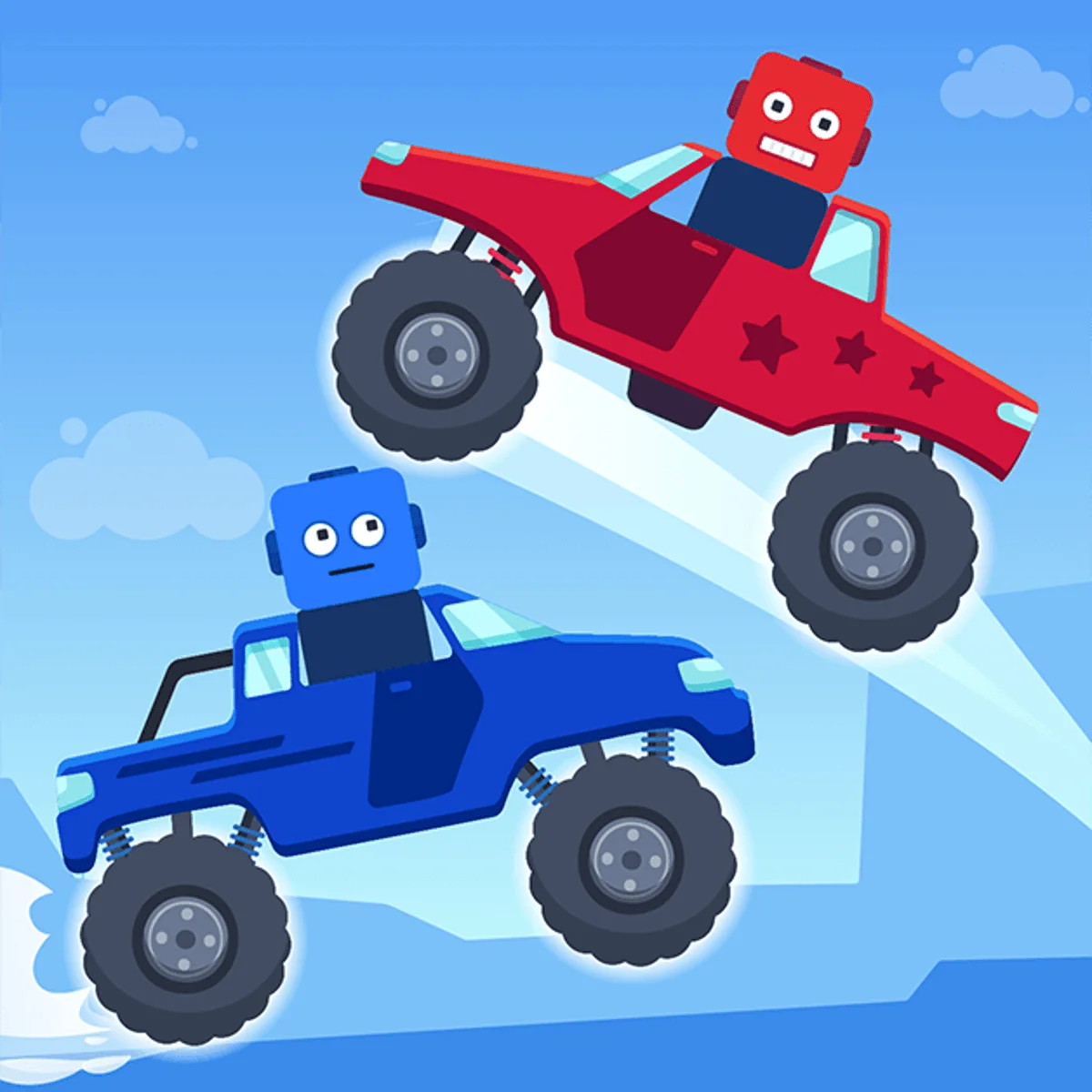
Drive Mad 2 is the name many players search for, and the game it loads here is Drive Mad by Martin Magni, credited in its menus as a Fancade game. The developer sums it up as: drive silly cars at high speeds in dangerous terrain, and you cannot steer. You only drive forward or back, starting in a yellow monster truck, and the physics does the rest as you try to reach the checkered finish of each level in one piece.
The game files store the main level pack under the name drive_mad_2, but the title screen says Drive Mad, and we know of no separate official sequel. This copy is hosted on this site, so it plays unblocked in the browser with no download or sign-up. It has four worlds: Classic (200 levels), Space (15), Winter (25) and Monster Truck (25), plus a VS mode with cup races.
How to Play Drive Mad 2
- Click inside the game once so it has keyboard focus.
- Use the Right Arrow, Up Arrow or D to drive forward.
- Use the Left Arrow to drive the other way.
- Check the arrow sign at the start of each level: it shows which way the finish is.
- Reach the checkered finish without tipping over. Then pick Next level, Levels or Home.
Drive Mad 2 Controls Guide
| Action | Desktop Controls | Touch Controls |
|---|---|---|
| Drive Forward | Right Arrow, Up Arrow or D | Right arrow button, bottom right |
| Drive the Other Way | Left Arrow | Left arrow button, bottom left |
| Pause | Pause button, top left | Pause button, top left |
| Restart After a Crash | Retry button | Retry button |
Stunt Master Pro Tips
- Read the Level Name: names like Back Up, Rope Bridge or Square Wheels tell you what the level is about before you move.
- Count the Buttons: if only one arrow button is shown, that is the only direction the level needs.
- Chase the Gold Time: the Levels list keeps your best time for every level, and each level has a gold time to beat.
- Check the Awards Tab: some awards need a level beaten a special way, such as level 1 on your back wheels.
Frequently Asked Questions
Is Drive Mad 2 unblocked at school?
Drive Mad 2 runs in an ordinary browser tab from drivemad2.org, with nothing to download or install, so it plays on most school Chromebooks and work computers. If a network filter blocks the site, only that network's administrator can change it.
Is Drive Mad 2 free to play here?
Yes! Drive Mad 2 is 100% free to play directly in your web browser. No download, install, or account registration required. Tap Play to hit the track.
How do you keep the truck from flipping over?
Watch the start of each level: an arrow sign shows which way the finish is, and only the on-screen buttons the level needs are shown. On level 2, Back Up, holding forward makes the truck rear up and tip over, while the left arrow takes it to the finish.
How many levels are in Drive Mad 2?
The build here has four worlds: Classic with 200 levels, Space with 15, Winter with 25 and Monster Truck with 25, for 265 in total. There is also a VS mode with cup races.
What happens if you crash in Drive Mad 2?
The run ends on a snapshot of the crash with a short caption, and three buttons appear: Home, Retry and Levels. Retry starts the level again.
Can I play Drive Mad 2 on Chromebook and mobile?
It runs in the browser, so it works on Chromebooks and computers with a keyboard, mouse or touch screen. On touch screens, use the two arrow buttons in the bottom corners.