Drive Mad 2
Drive Mad (Classic)
Mad Truck Challenge Special
Mad Cars Racing And Crash
Sky Mad
Moto X3m 4 Winter
Truck Traffic
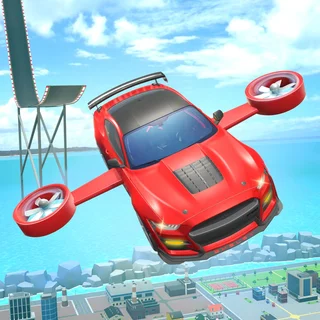
Flying Wheels Evolution

City Cab Rush
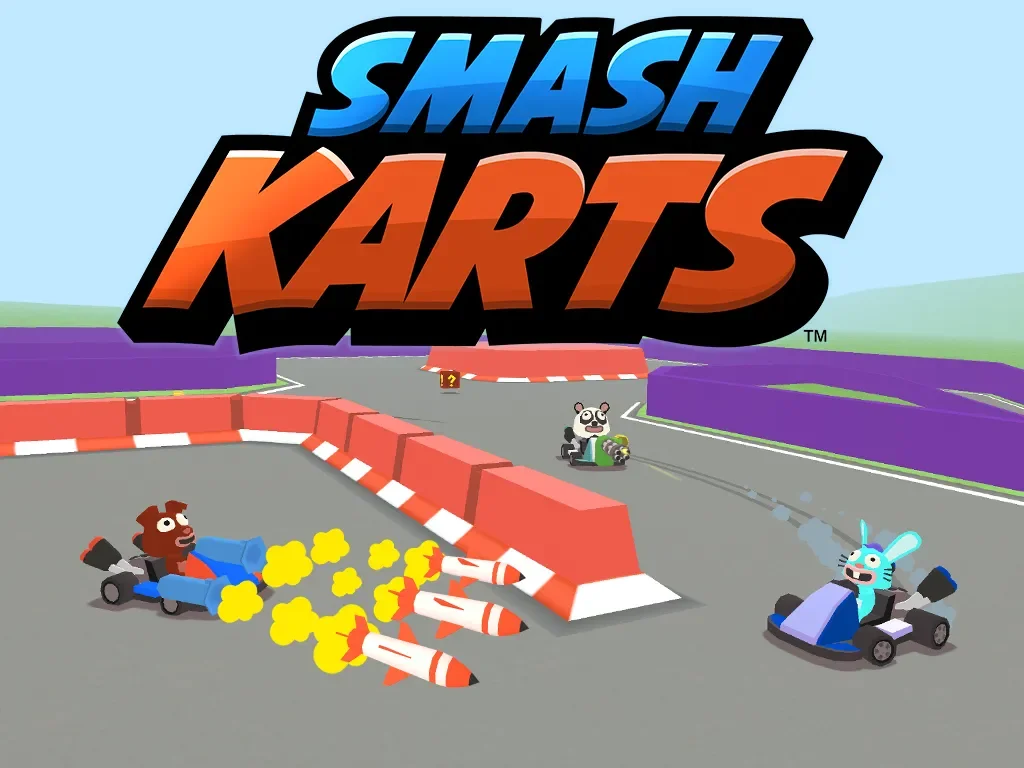
Smash Karts
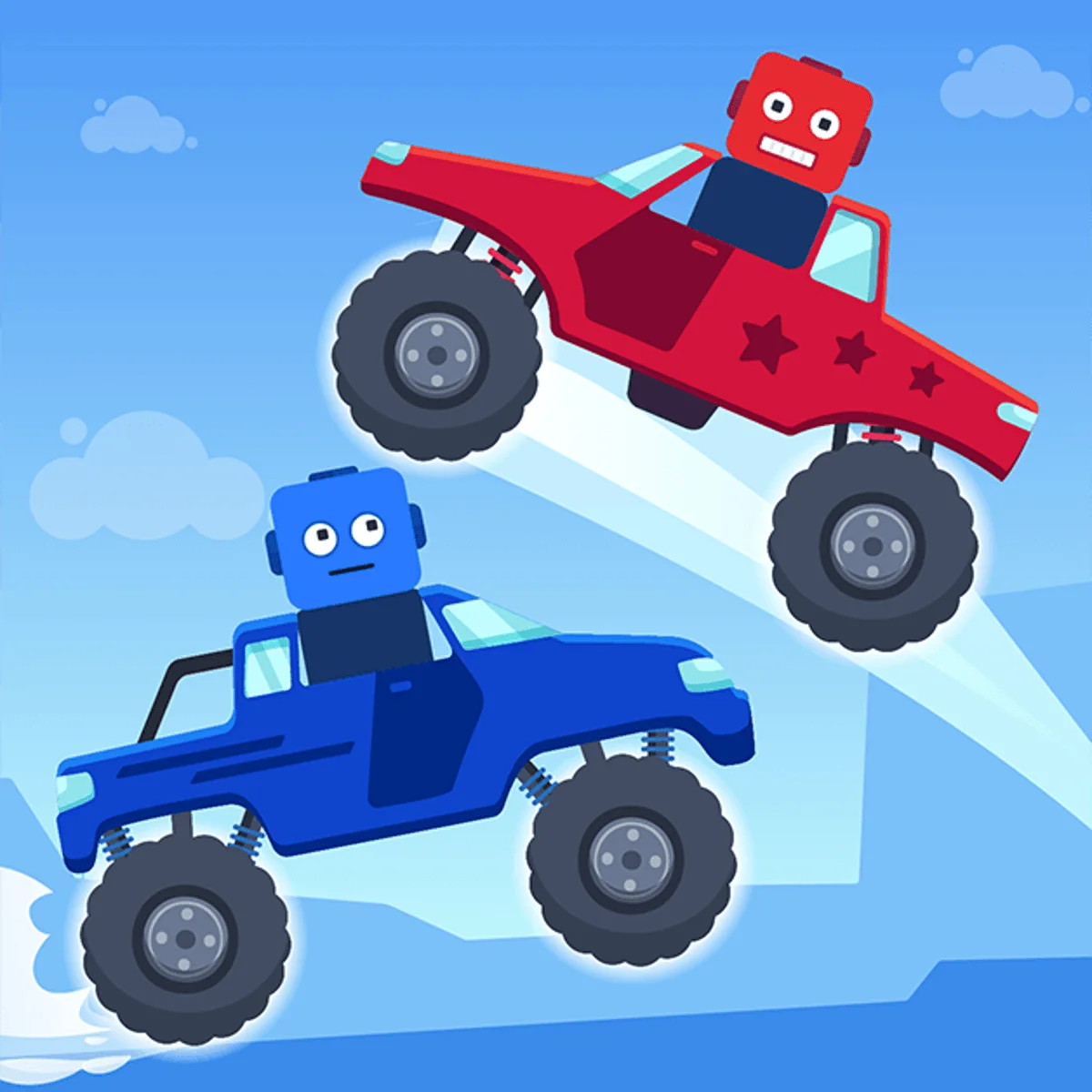
Battle Wheels
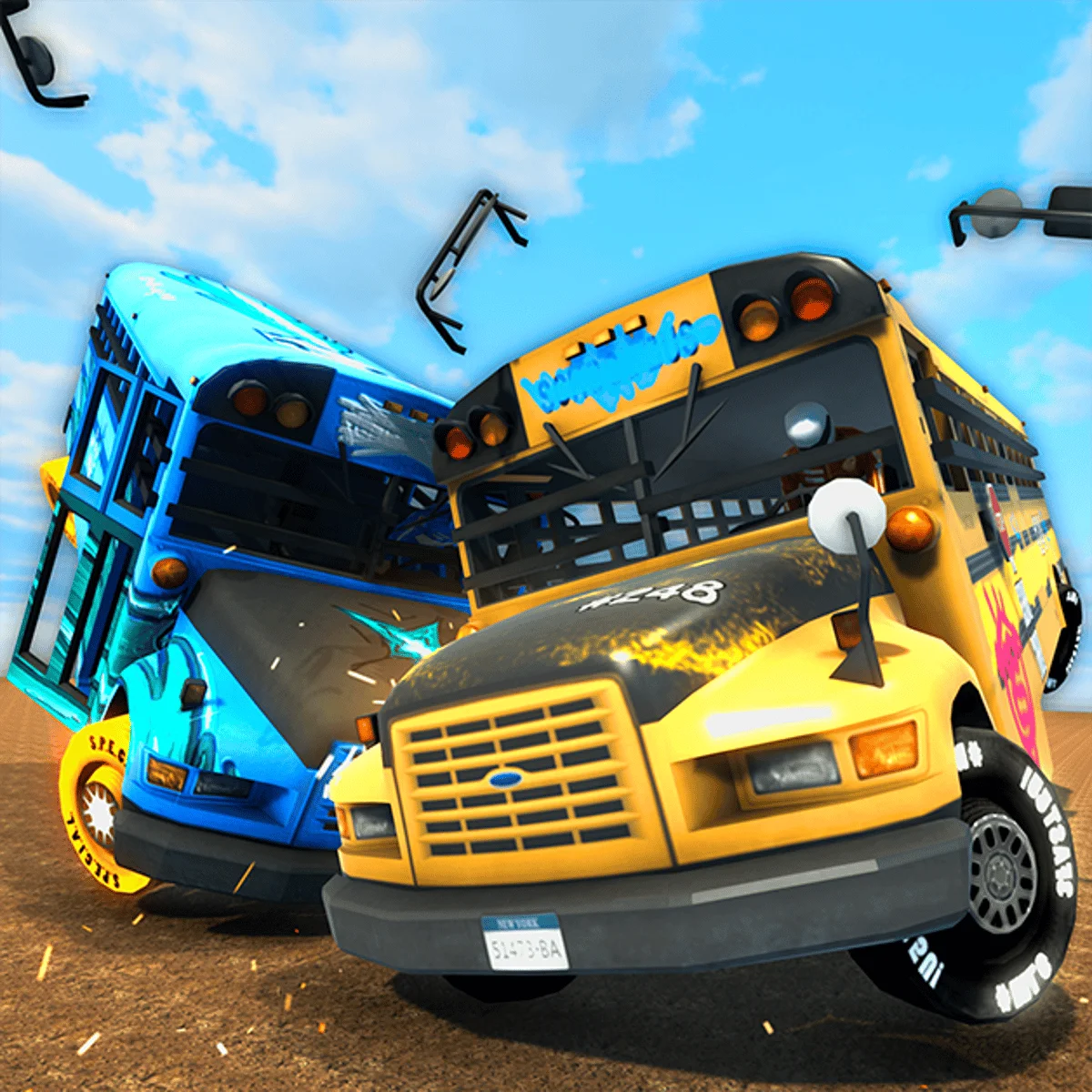
School Bus Demolition Derby
Noob Drive Unblocked — Play Free Online
Racing & DrivingDrive tricky physics obstacle tracks in Noob Drive, balancing your vehicle over steep hills and wild jumps directly in your web browser for free.
Noob Drive unblocked: play Noob Drive online free right here in your browser — no download, no sign-up, works on a school Chromebook.
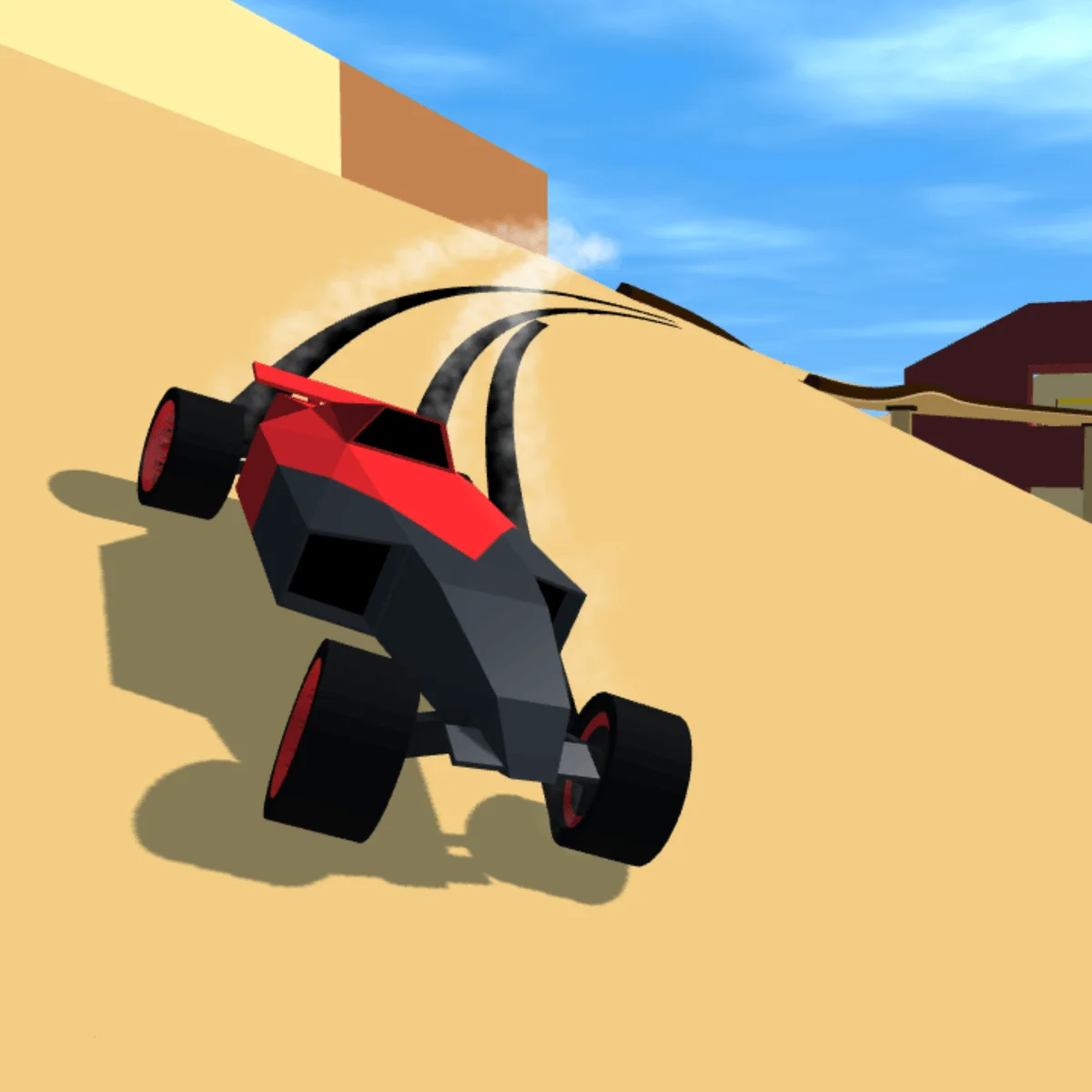
Noob Drive drops players into a fast-paced physics driving challenge where keeping your wheels on the ground is far harder than stepping on the gas. Piloting a quirky blocky vehicle across bumpy terrains, your objective is simple: navigate steep inclines, perilous drops, and unpredictable hazards to reach the checkered flag in one piece.
Fans of physics-based stunt games on Drive Mad 2 will instantly feel right at home with the vehicle dynamics. Every bump and ramp tests your weight distribution, punishing reckless acceleration and rewarding measured throttle control. Because courses are compact and restarts happen instantly upon a wreck, the game creates an addictive trial-and-error rhythm that encourages quick experimentation.
How to play
Controlling your vehicle relies on simple, responsive inputs:
- Accelerate: Press D or the Right Arrow key to drive forward and build momentum up ramps.
- Brake and Reverse: Press A or the Left Arrow key to slow down, stop, or back away from danger.
- Airborne Tilt: Use D or the Right Arrow to pitch the nose downward and A or the Left Arrow to pull the front wheels up while flying through the air.
Each level presents a distinct layout filled with obstacles like explosive blocks, collapsing bridges, and sudden elevation changes. Reaching the finish line requires balancing forward speed against safe landing angles.
Tips for clearing difficult tracks
Getting past the toughest obstacles comes down to a few core driving habits:
- Ease off before cresting peaks: Full throttle over a sharp ridge often sends your car into an uncontrolled backflip. Tap the brake right before the summit to keep all four wheels grounded.
- Level out before landing: Watch your vehicle rotation mid-flight. Always adjust the pitch so your tires touch down parallel to the landing slope, preserving momentum and avoiding fatal rollovers.
- Use brief reverse taps for stability: If your vehicle begins tipping backward after climbing a steep slope, tapping reverse can pull the front end down and save the run.
Similar games on Drive Mad 2
If you enjoy the physics balancing in Noob Drive, several other titles offer great companion experiences. Drive Mad (Classic) delivers precision stunt driving across hundreds of puzzle-like stages with custom vehicle behaviors. Moto X3M shifts the balance mechanic to dirt bikes with death-defying loop-the-loops and timed course runs. For high-speed track building and time trials, Polytrack tests your cornering lines on custom low-poly circuits.
Questions about Noob Drive
Is Noob Drive unblocked at school?
Noob Drive runs in an ordinary browser tab from drivemad2.org, with nothing to download or install, so it plays on most school Chromebooks and work computers. If a network filter blocks the site, only that network's administrator can change it.
What are the controls for Noob Drive?
Press D or the Right Arrow key to accelerate forward, and use A or the Left Arrow key to reverse or brake. While airborne, tap those same keys to tilt your vehicle and land flat on all wheels.
What happens when your vehicle crashes or flips?
If your car flips upside down, lands on its roof, or touches an explosive hazard, the level resets instantly so you can retry without delay.
Does Noob Drive require any installation?
No installation or download is required. The game loads and runs straight inside any modern desktop or mobile web browser.
Can you play Noob Drive on mobile devices?
Yes, touch controls appear automatically on touchscreens, allowing you to accelerate, reverse, and balance mid-air using on-screen buttons.