Drive Mad 2

City Cab Rush

Mad Skills Rallycross
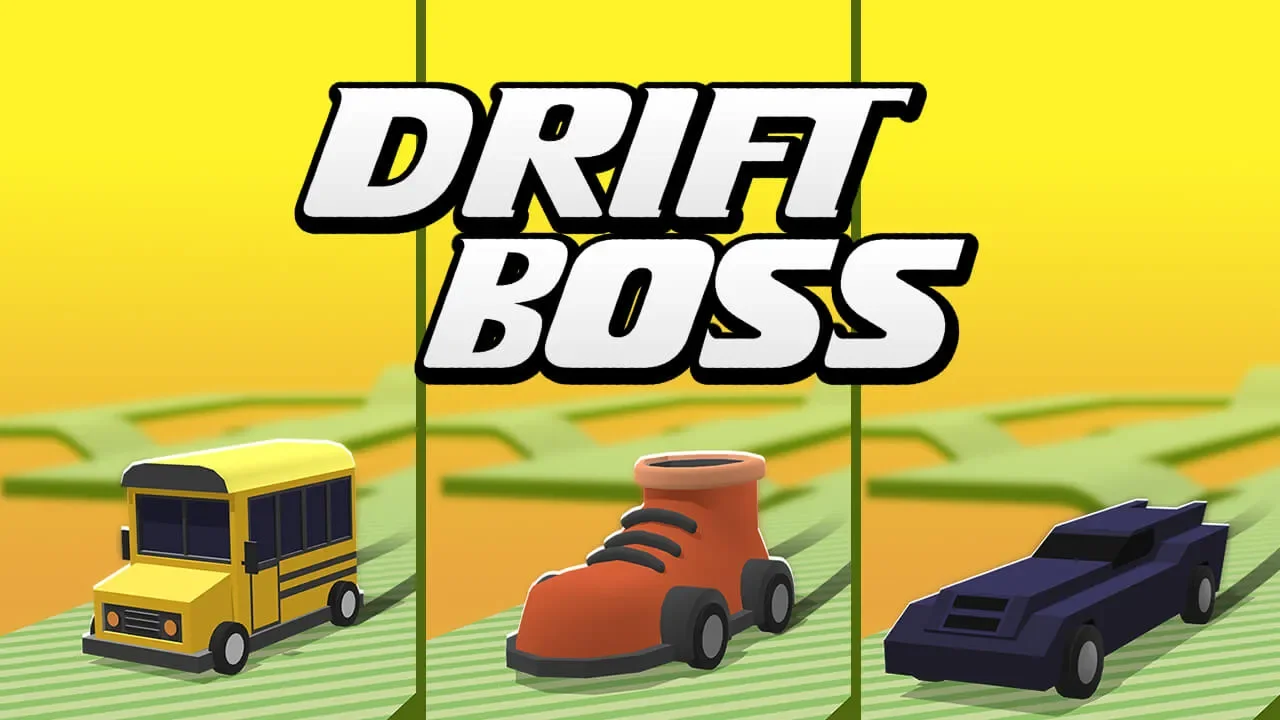
Drift Boss

Crazy Cars

Smash Karts

Battle Wheels
School Bus Demolition Derby

Offroader V5

Flying Car Simulator

Truck Loader
Vortex Racer
City Rider Unblocked — Play Free Online
Urban Driving SimulatorDrive sports cars and heavy trucks across open 3D city streets in City Rider, a free browser driving simulator with realistic handling.
City Rider unblocked: play City Rider online free right here in your browser — no download, no sign-up, works on a school Chromebook.
City Rider puts you behind the wheel of multiple vehicle types in an expansive 3D urban environment designed for open-ended exploration. Rather than locking you onto narrow tracks with strict timers, the game gives you total freedom to roam asphalt streets, test top speeds along broad highways, and maneuver around tight street corners. It is a pure driving sandbox where learning how each car responds to acceleration, braking, and steering is the primary thrill.
For players who enjoy the vehicle physics of Drive Mad 2, City Rider presents a refreshing shift in pace. While stunt platformers test your throttle control over steep ramps and precarious bridges, this simulator lets you experiment with momentum, high-speed drifts, and emergency braking across wide city blocks. You can swap between nimble sports cars that corner sharply and heavier vehicles that require earlier braking lines.
Every vehicle comes with its own handling profile and weight distribution. Switching cars changes how quickly you gain speed and how much grip your tires maintain through tight turns. With instant vehicle switching and multiple camera perspectives, you can practice precision parking, simulate realistic traffic navigation, or simply test the limits of engine power on open straightaways.
How to play
Steering your vehicle in City Rider relies on standard driving controls:
- W or Up Arrow: Accelerate forward and build speed.
- S or Down Arrow: Apply the foot brake or reverse when stopped.
- A and D or Left/Right Arrows: Steer left and right.
- Spacebar: Engage the handbrake for tight turns and controlled drifts.
- C Key: Change camera angles between cockpit, hood, and chase perspectives.
Begin by selecting a vehicle from the main interface and getting a feel for its acceleration curve. Use gentle steering taps at high speeds to avoid spinning out, and combine the regular brake with the handbrake when you need to slide around sharp intersections.
Driving tips
Mastering urban roads takes deliberate throttle management and good road awareness:
- Brake before turning: Slow down ahead of sharp turns rather than slamming the brakes mid-corner, which prevents understeer and keeps your tires gripping the tarmac.
- Use the handbrake for quick realignment: Tapping the spacebar while turning breaks rear traction, letting you rotate the vehicle rapidly to face down narrow alleys.
- Switch camera perspectives: The chase camera gives you wide situational awareness around street obstacles, while the hood or cockpit camera offers superior accuracy when clipping tight apexes.
- Test different weight classes: Light performance coupes accelerate swiftly but lose stability over curbs, while heavier trucks maintain steady traction over bumps.
Similar games on Drive Mad 2
If you want more vehicle challenges after exploring the city, Drive Mad 2 features a variety of driving styles. Offroader V5 offers a similar open sandbox feel with rugged terrain and freeform vehicle testing. Drift Boss tests your one-button timing around endlessly twisting ramps, while Polytrack delivers intense time-trial racing on custom low-poly circuits. For physics-based balance and obstacle courses, the original Drive Mad and Drive Mad 2 remain the definitive platforming tests.
Questions about City Rider
Is City Rider unblocked at school?
City Rider runs in an ordinary browser tab from drivemad2.org, with nothing to download or install, so it plays on most school Chromebooks and work computers. If a network filter blocks the site, only that network's administrator can change it.
What are the controls for City Rider?
Use WASD or the Arrow keys to accelerate, steer, and reverse. Press the spacebar to apply the handbrake, and press C to cycle through camera views.
Can you customize or change vehicles in City Rider?
Yes, City Rider lets you switch between different vehicles such as sports cars, sedans, and utility trucks directly from the in-game menu.
Does City Rider require any download or installation?
No, the entire game runs smoothly inside your desktop or laptop web browser without needing any plugins, setup files, or downloads.
How does City Rider differ from Drive Mad 2?
Drive Mad 2 focuses on precise obstacle platforming and balancing physics, whereas City Rider offers open-ended urban cruising and freeform exploration.